You Can Have Colemak on DOS, Too
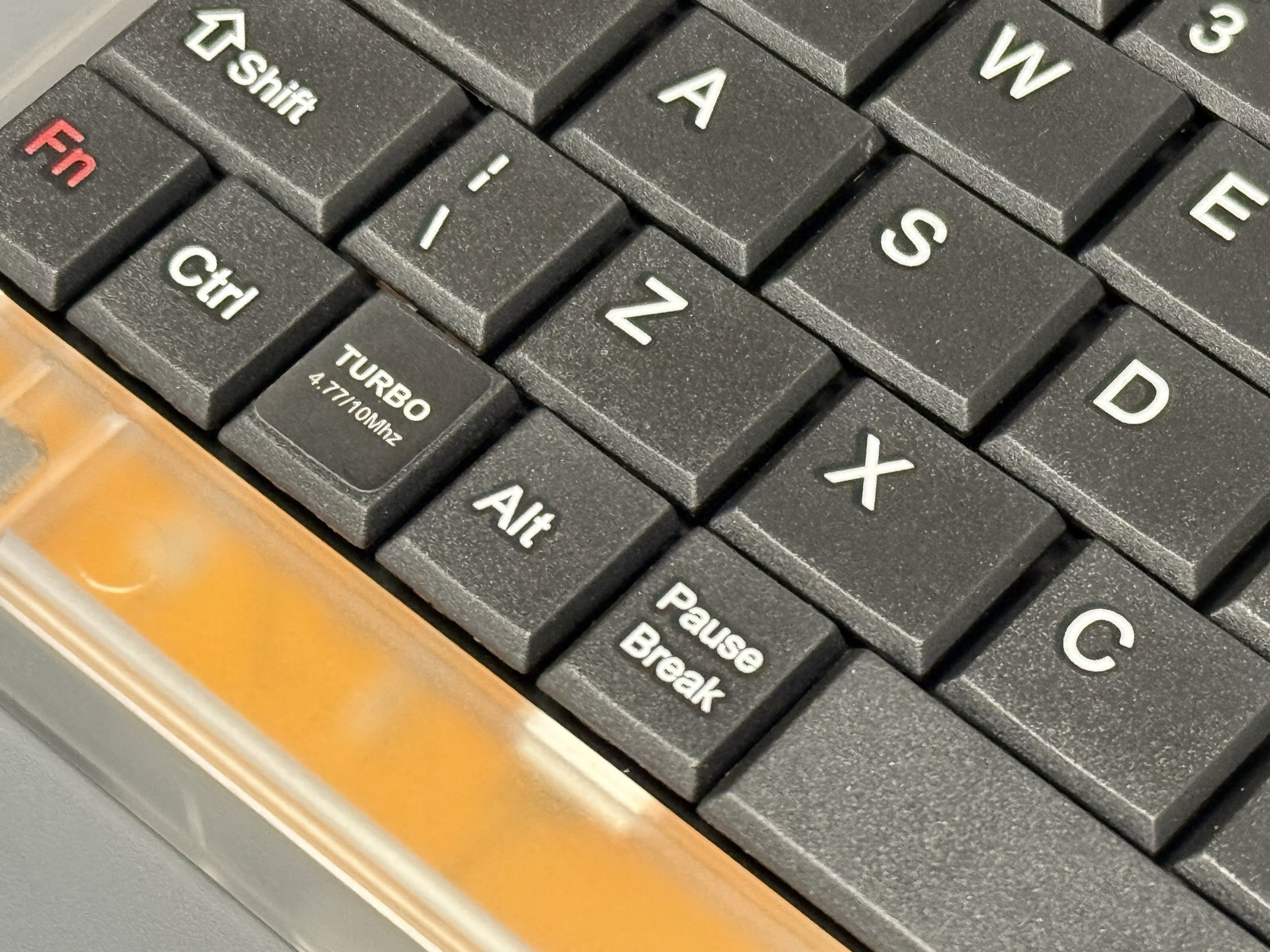
If you've picked up a Pocket 8086—and if you're curious, my guest post for Stephen at 512 Pixels is probably the place to start—you've got a genuine PC-XT in your pocket, one that comes running MS-DOS 6.22 out of the box. Is that kosher according to copyright laws and such? Should we be buying Chinese-made hobbyist computers with completely unlicensed software and probably "borrowed" open-source BIOS as well? I'm going to pretend you didn't ask those questions and continue with my blog post.
But let's say you actually want to use the thing for something, and let's also say that you taught yourself to touch-type Colemak years ago because it helps you avoid RSI from being on a keyboard all day.
Starting point: the command line
If you're in DOSBox-X or something else running FreeDOS, you just type keyb co and you're done. Welcome to the future.
For those of us running "real" MS-DOS, getting Colemak working at the DOS prompt is straightforward, if you have a way to transfer files onto the machine: grab KEYB.COM and KEYBOARD.SYS from the keyb and keyb_lay packages on the FreeDOS package archive at ibiblio.org, drop them in C:\TOOLS (or wherever you want, but this is where I put them), and add this line to your AUTOEXEC.BAT so it loads at startup:
C:\TOOLS\KEYB co,,C:\TOOLS\KEYBOARD.SYS
That gets you Colemak everywhere that DOS handles keyboard input. Great!
The next level
The problem is that the serious word processors available on DOS don't let DOS handle keyboard input—they do it themselves. XyWrite and WordPerfect bypass the DOS layer entirely and talk to the hardware directly, which means KEYB does nothing for you inside them. Each application has its own keyboard definition format, and you have to configure Colemak separately for each one.
So I did.
The XyWrite layout is a modified XY4.KBD with the letter key scancodes remapped to Colemak. The WordPerfect 5.1 layout was done by hand inside WP's keyboard editor, key by key, with the Colemak layout diagram open for reference. Download them here:
How to use these things
Load the XyWrite one with LOAD XY4CO.KBD from the command line that you access inside the app with F5; the WordPerfect one loads from Setup → Keyboard Layout (Shift-F1 and then 5). The WordPerfect one might work with other versions besides 5.1, but why would you use any other version of WordPerfect when the platonic ideal of a word processor already exists?
You're welcome, fellow weirdo. Good luck using the Pocket 8086's truly terrible keyboard... I gave up and bought a cheap external PS/2 one. It makes the whole thing a lot more fun, but it looks a little crazy spread out on a desk.
Published May 20, 2026